Electronics store design built around trying the product
People buy tech after holding it. Render demo tables, accessory walls and the service area of an electronics or phone store, and compare layouts before committing to fixtures and cabling.
Try with 2 free generations
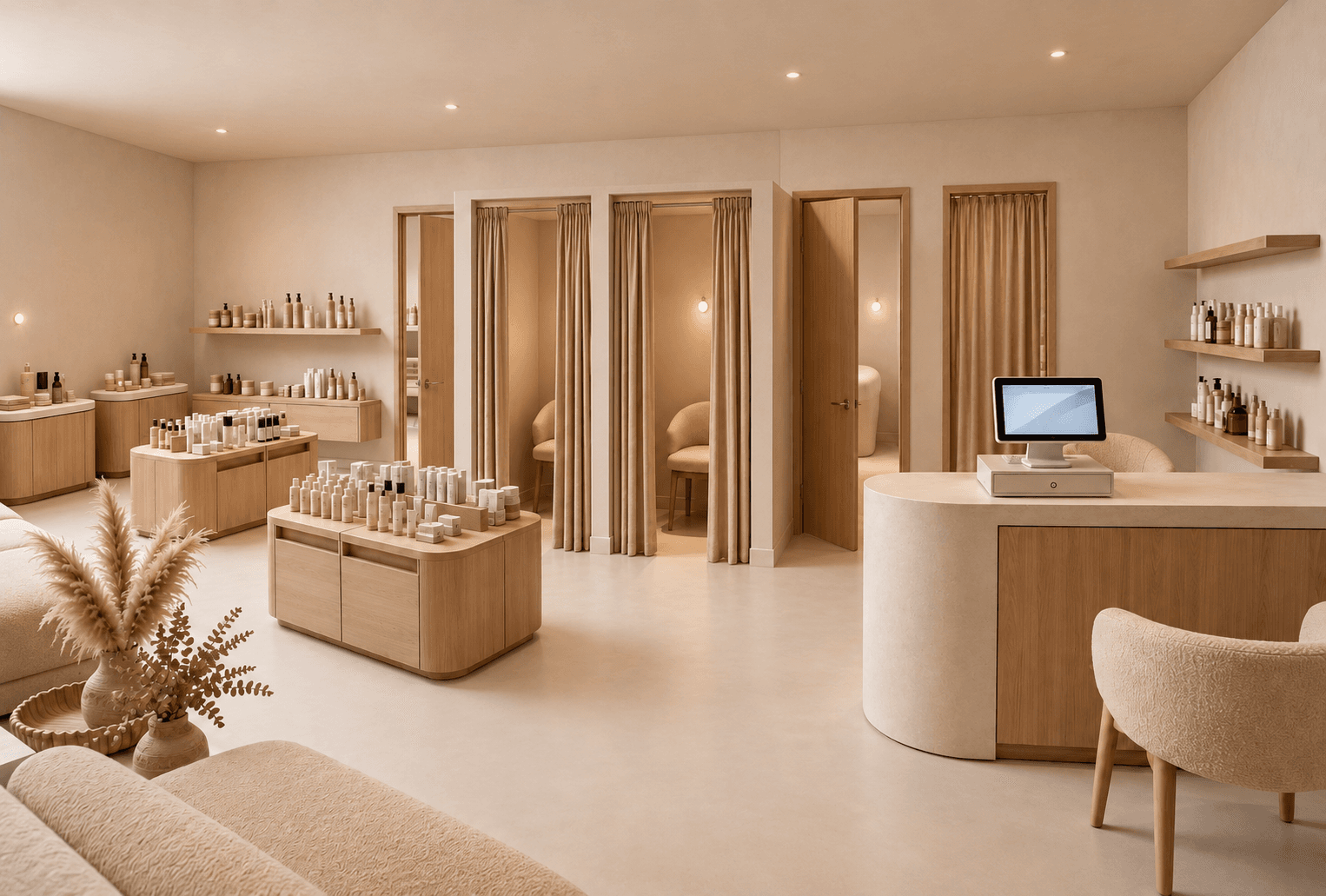 Example render
What an electronics store has to do
Electronics stores are about trying, comparing and getting help. Customers want to pick up a phone, test a pair of headphones or compare two laptops side by side. The layout has to give each product category room to be tested, keep accessories easy to grab, and make the help desk easy to find.
- Demo tables with space around them for several customers.
- An accessory wall organised by device and category.
- A service or repair desk that does not block the sales floor.
- Power and data built into the furniture, not trailing across it.
Tables, walls and circulation
Long tables running from the entrance to the back invite people in and keep sightlines open. Accessories usually live on the walls, where they can be densely displayed. Leave generous aisles around the tables — crowds gather at launch days.
Light and materials
Screens are hard to read under glare, so prefer even, diffused light and avoid strong spots over the tables. Light timber, stone and white surfaces keep the space calm and let the products stand out. Cabling, security tethers and power should be planned with the fit-out contractor.
A brief to start from
Adapt this to the brand:
Bright electronics store. Long light oak demo tables with laptops, phones and headphones, full-height backlit accessory wall, service desk at the back, light stone floor, large glazing, even neutral lighting.
How to render an electronics store
- 01
Start from what you have
A floor plan of the store, a photo of the empty unit, or nothing but a written brief.
- 02
Describe the concept
Demo tables, accessory wall, service desk, materials and an even, glare-free light.
- 03
Generate and compare
Up to four variants at a time, so you can compare directions instead of committing to the first.
- 04
Refine and present
Fix one detail without regenerating, add an eye-level view from the entrance, export a PDF for the client.
Tech retail projects rendered with it
- Phone and mobile operator stores
- Independent electronics and audio shops
- Gaming stores with demo stations
- Repair and service centres
- Shop-in-shop brand corners
Questions about electronics store design
Short answers to what people ask before their first render.
Try it freeDemo tables through the centre, accessories on the walls, a service desk at the back, and generous aisles around the tables.
Yes. Mark the area on the plan or photo and render only that zone.
Yes. Angle Views places a camera anywhere on a top-down render and generates the view from that spot.
Tools for the job
Floor Plan → 3D
Turn a 2D floor plan into a 3D retail render with AI. Choose cutaway, top-down or eye-level views to explore store layouts. No 3D modeling needed.
Learn moreAngle Views
Place a camera anywhere on your top-down render and generate the eye-level view from that exact spot. Walk a client through the store before it exists.
Learn moreIdea Generator
Create a shop or interior concept render from a written brief. Explore retail displays, materials and lighting with AI, before you have a floor plan.
Learn moreFurther reading
 GuidesTwo store concepts, one clear decision: how to compare retail designsPracticeWhat to put in a retail design presentation