Change one thing in a render, not the whole render
The usual problem with generated images is that fixing a detail throws away everything that was already right. Fix a Render edits in place: draw a box around what is off, say what it should be, and only that part changes.
1 credit per variant
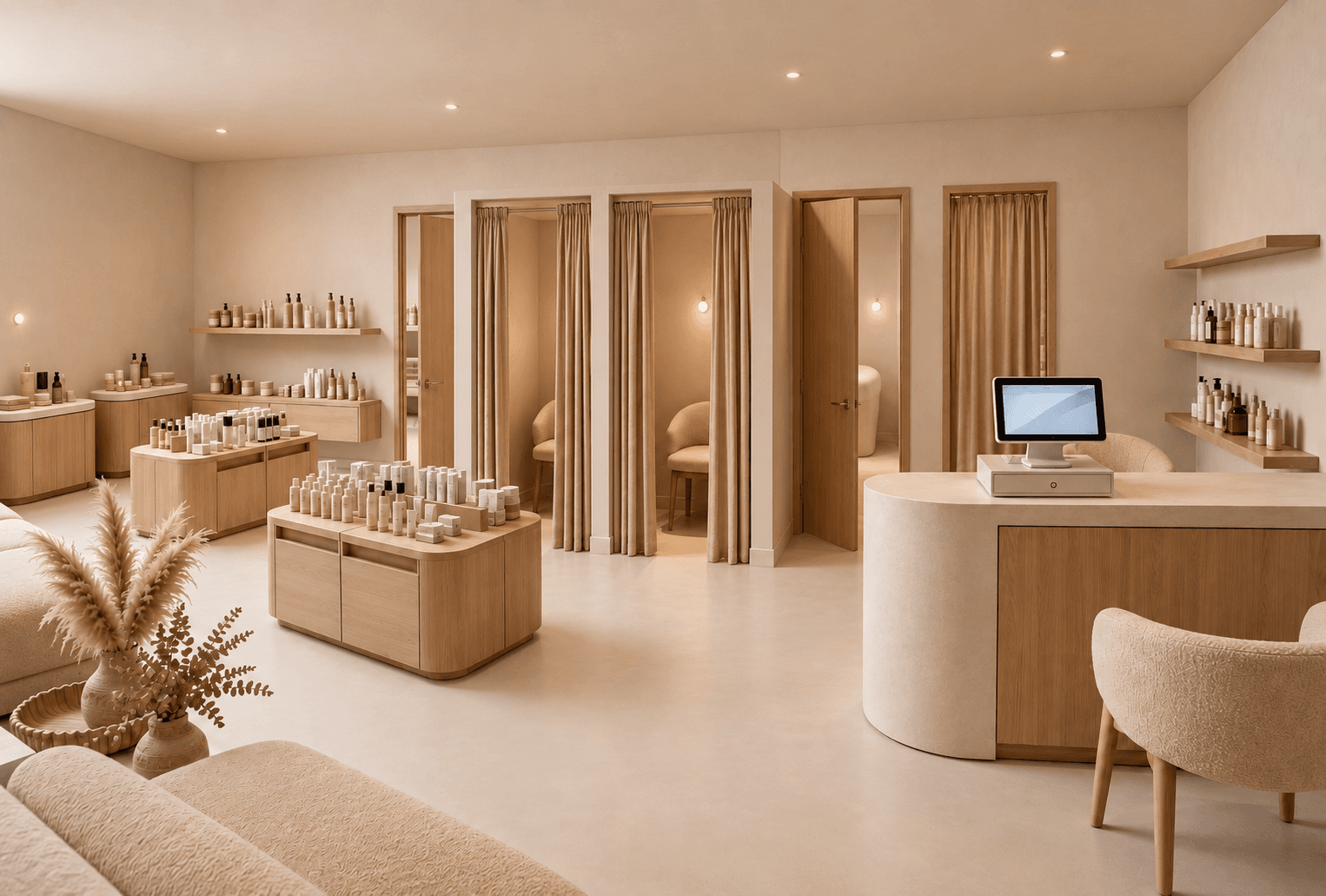 Before
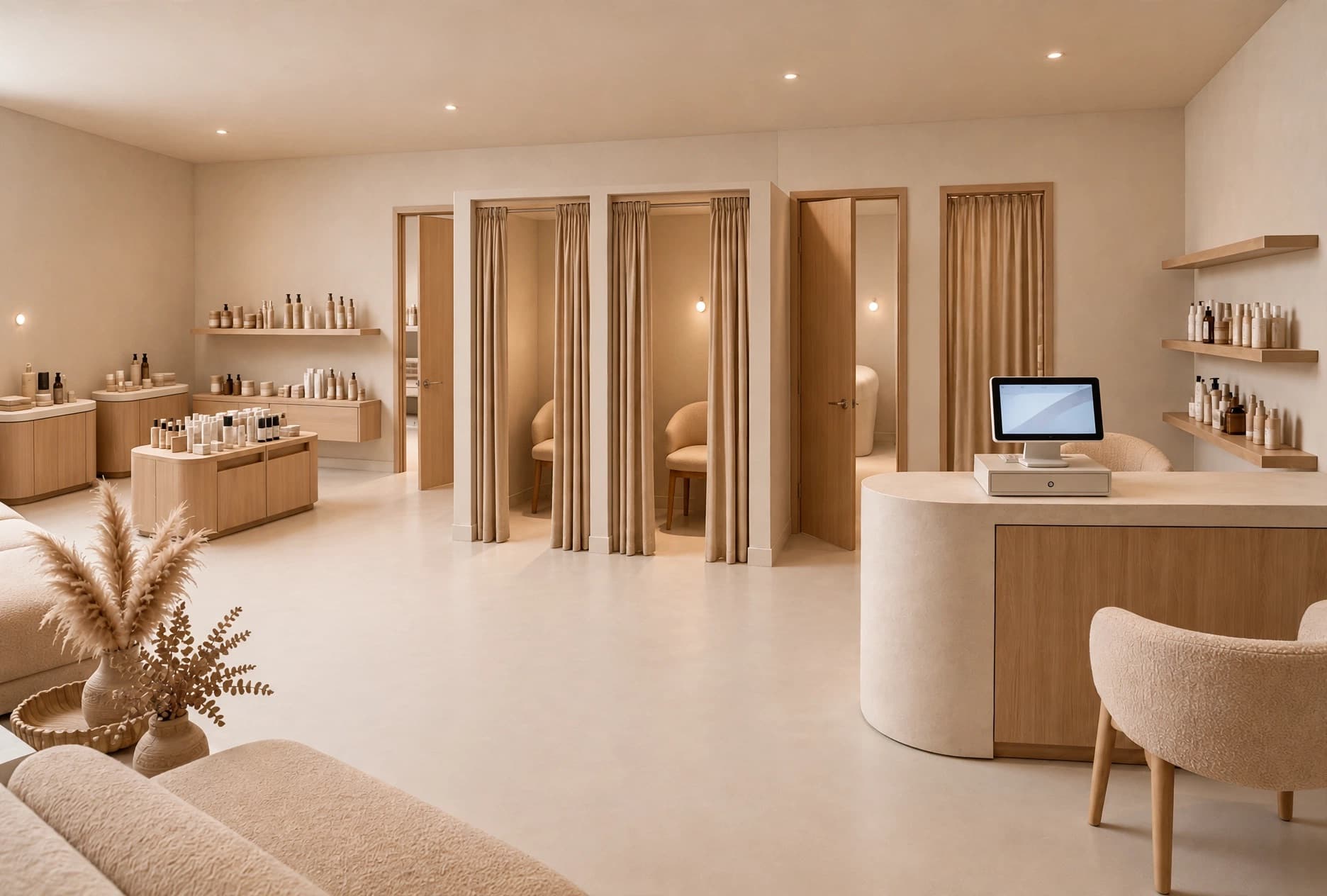 After
AfterHow it works
- 01
Load the render
Pick one from your gallery or upload an image from anywhere — it does not have to have been generated here.
- 02
Mark the area
Drag a box around the fixture, the wall, the light or the prop that is wrong.
- 03
Say what should change
"Remove this display table." "Make this wall raw concrete." "Warmer light from the left." Plain language, one sentence.
- 04
Compare variants
Ask for one to four variants, keep the one that works, and send the rest to the bin.
Why it helps
What changes in practice once Fix a Render is part of the workflow.
Keeps what already worked
You are not rerolling the dice on a render the client already approved — the composition, the light and the materials outside the box stay as they were.
Cheaper than starting over
One credit per variant, and you only pay for images you actually receive.
Handles the awkward client note
"Love it, but lose the round table" used to mean a new render. Now it means thirty seconds.
When designers reach for it
- Removing furniture the client vetoed
- Swapping a material on a single surface
- Warming or cooling the lighting in one zone
- Cleaning up an artifact in an otherwise perfect image
Questions about Fix a Render
What designers ask most often before putting Fix a Render on real client work.
See pricingYes. Upload any interior image — a competitor's photo, a stock shot, a previous render — and edit it the same way.
Loosely around the object is enough. A box that is a little generous usually blends better than one cropped tight to the edges.
Rephrase the instruction and try again. Being concrete about the result ("a low oak plinth") works better than being negative ("not this").
Works well with
Floor Plan → 3D
Turn a 2D floor plan into a 3D retail render with AI. Choose cutaway, top-down or eye-level views to explore store layouts. No 3D modeling needed.
Learn moreDesign a Space
Create a store rendering from a photo with AI. Explore shop refits, storefront concepts and room redesigns with new materials, displays and lighting.
Learn moreAngle Views
Place a camera anywhere on your top-down render and generate the eye-level view from that exact spot. Walk a client through the store before it exists.
Learn more