Features
Everything between an idea and a proposal
Five generation tools and two that keep the work coherent. Each one starts from something you already have — a plan, a photo, or a sentence.
Core tool
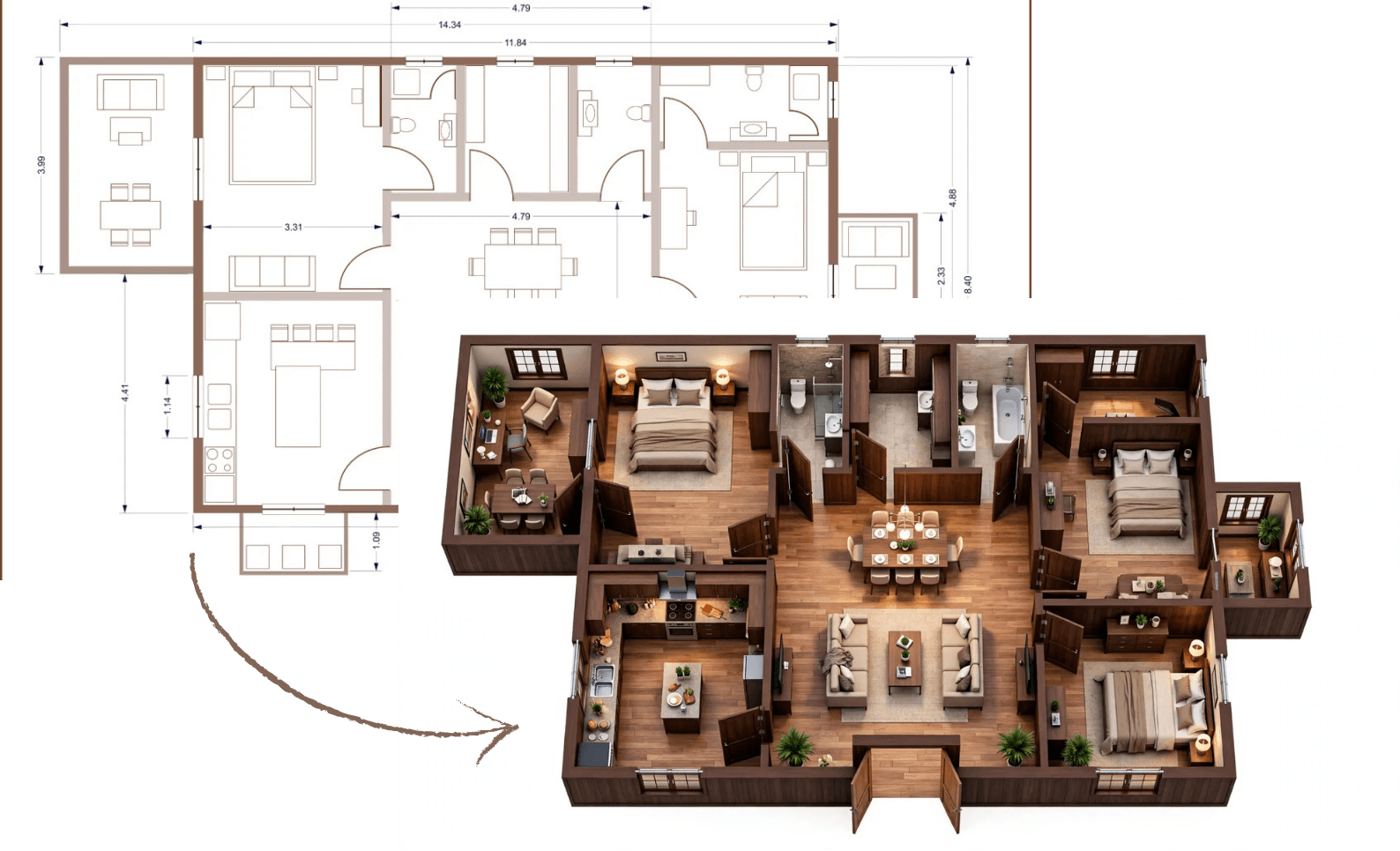
Floor Plan → 3D
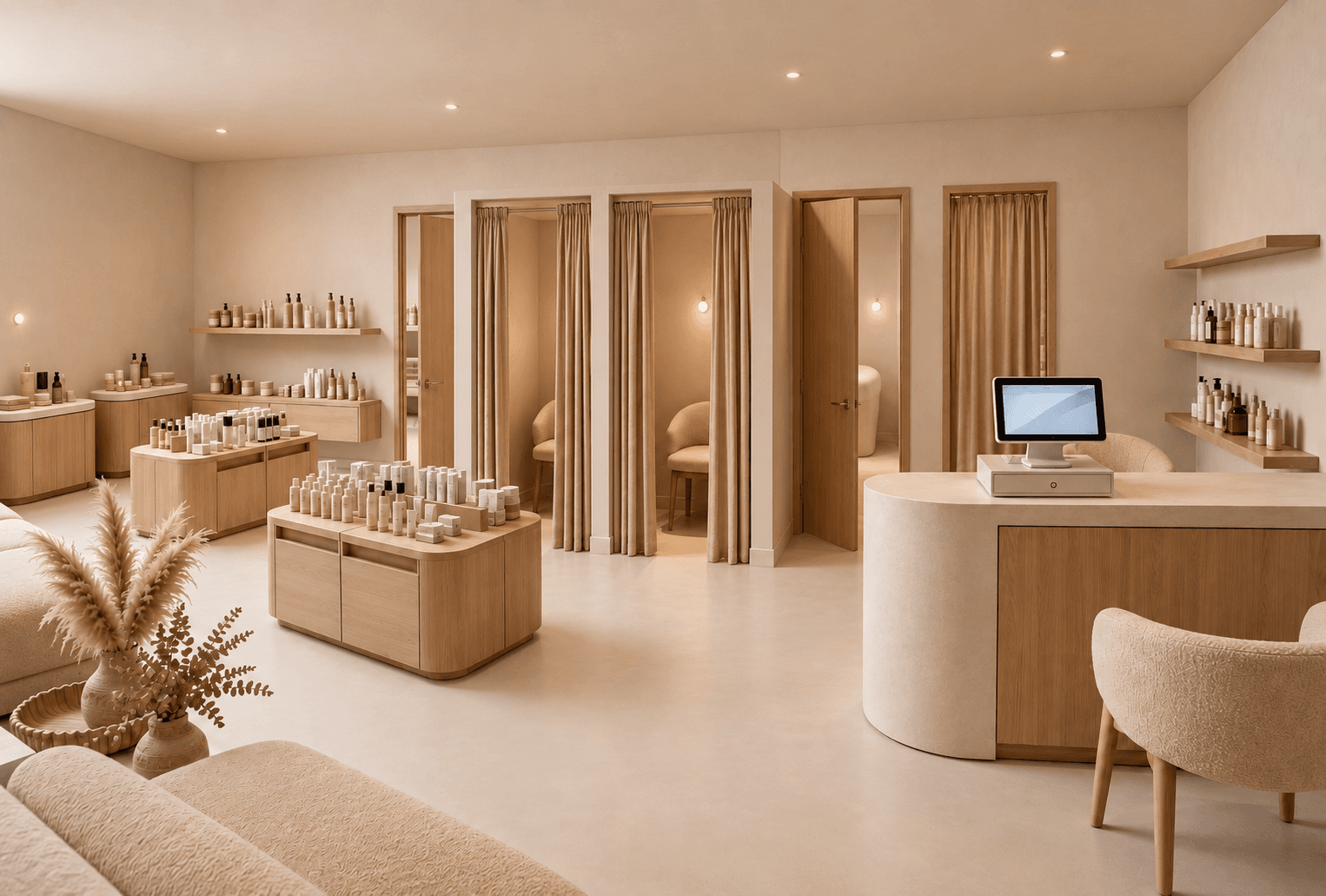
Drop in a floor plan — a CAD export, a PDF, even a phone photo of a printed plan — and get photoreal retail 3D renderings back in about 30 seconds. Pick a cutaway, top-down or eye-level view for your retail design.
Learn more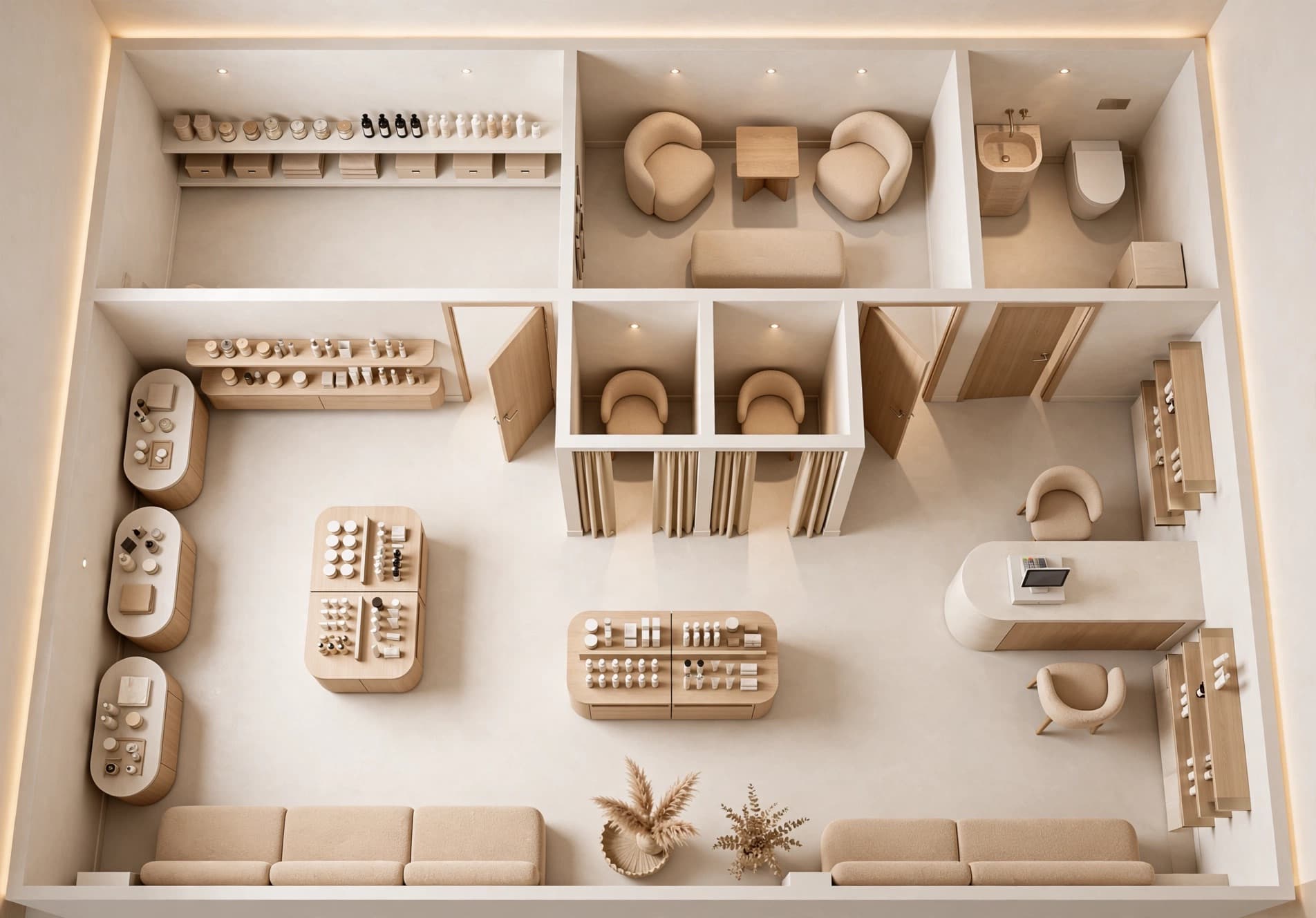 Top-down
 Eye level
New
Angle Views
A top-down render tells you where things go. An angle view tells you what it feels like. Click where the camera should stand, choose perspective or eye level, and see the same space from there.
Learn moreBefore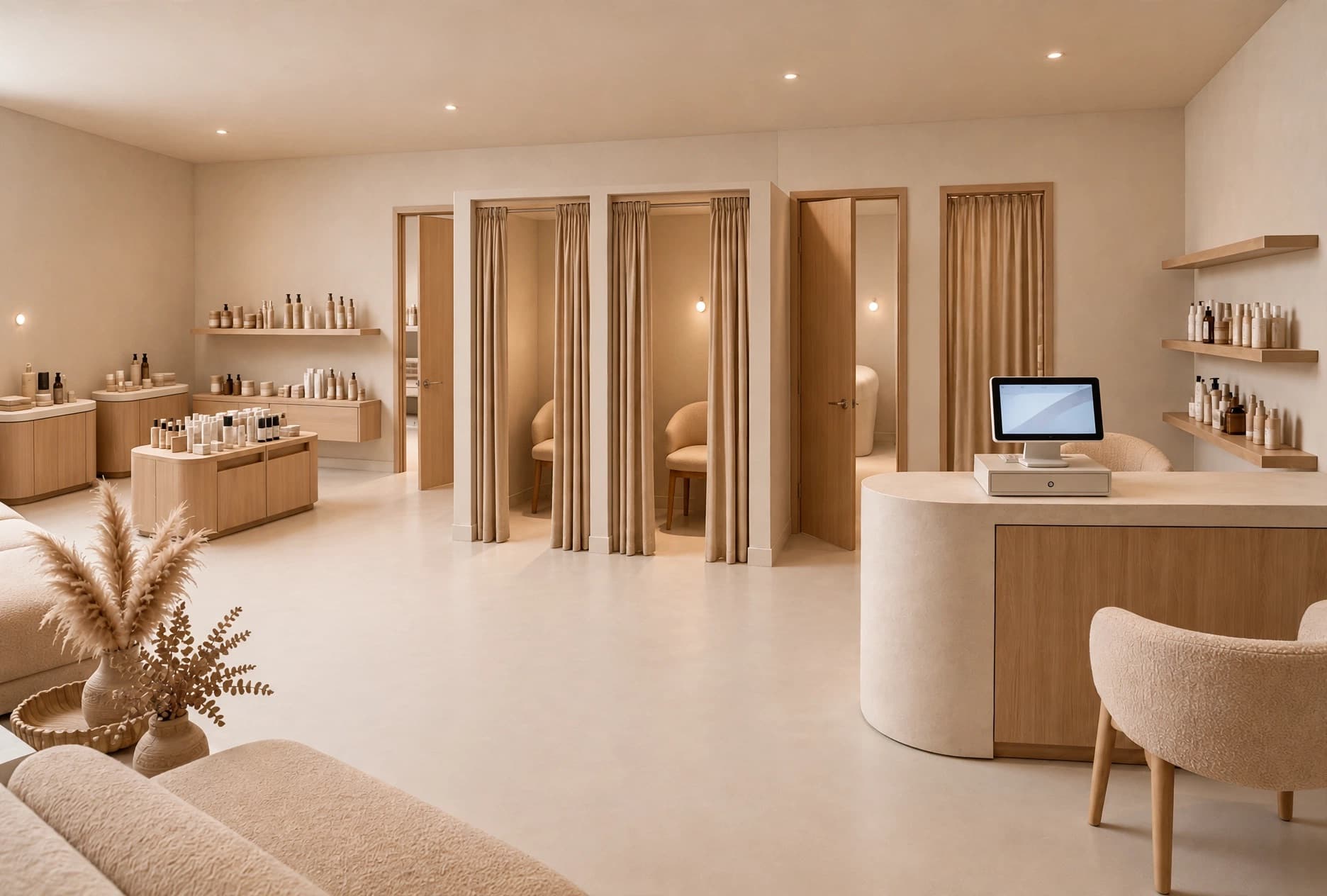 After
AfterCore tool
Fix a Render
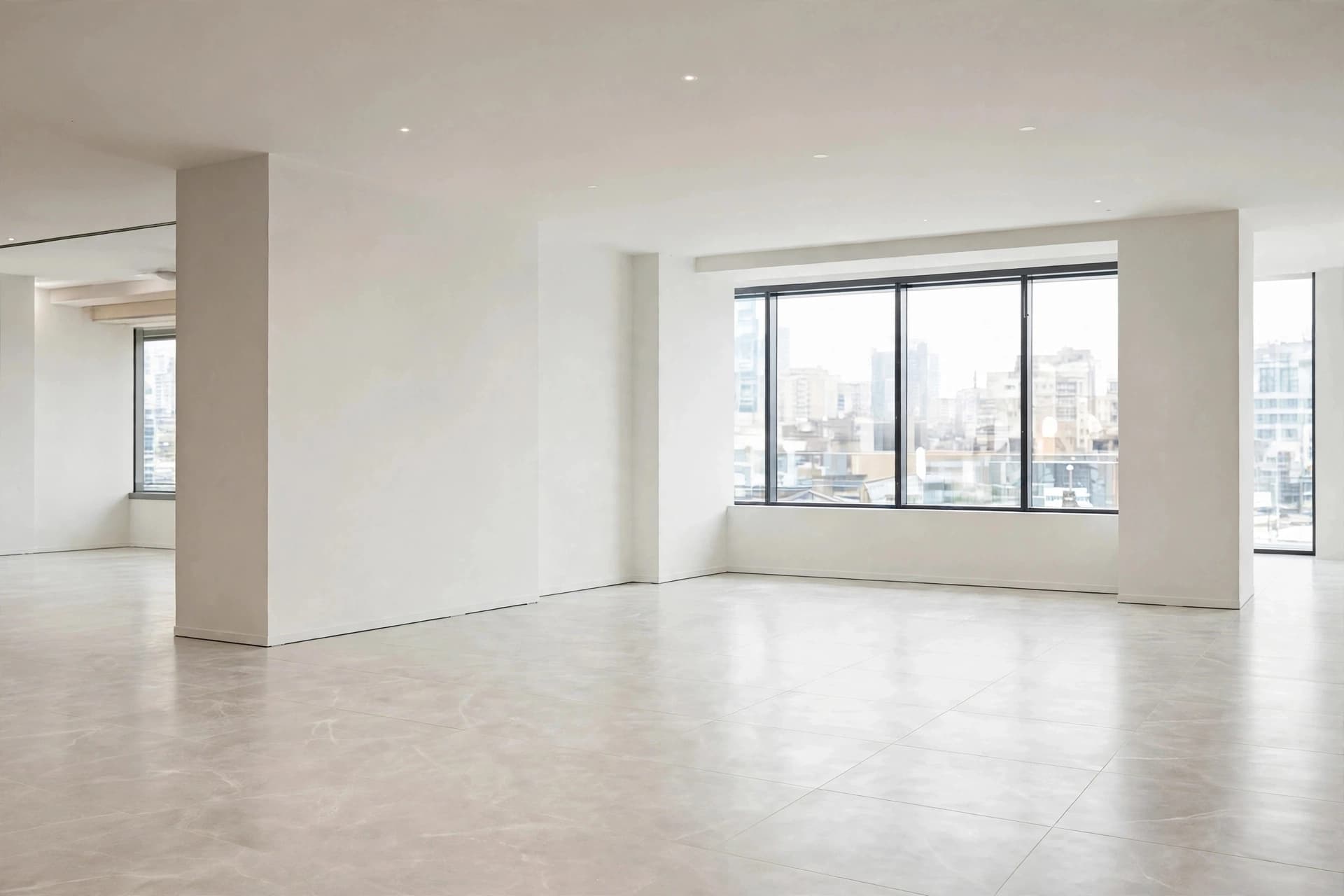
The usual problem with generated images is that fixing a detail throws away everything that was already right. Fix a Render edits in place: draw a box around what is off, say what it should be, and only that part changes.
Learn more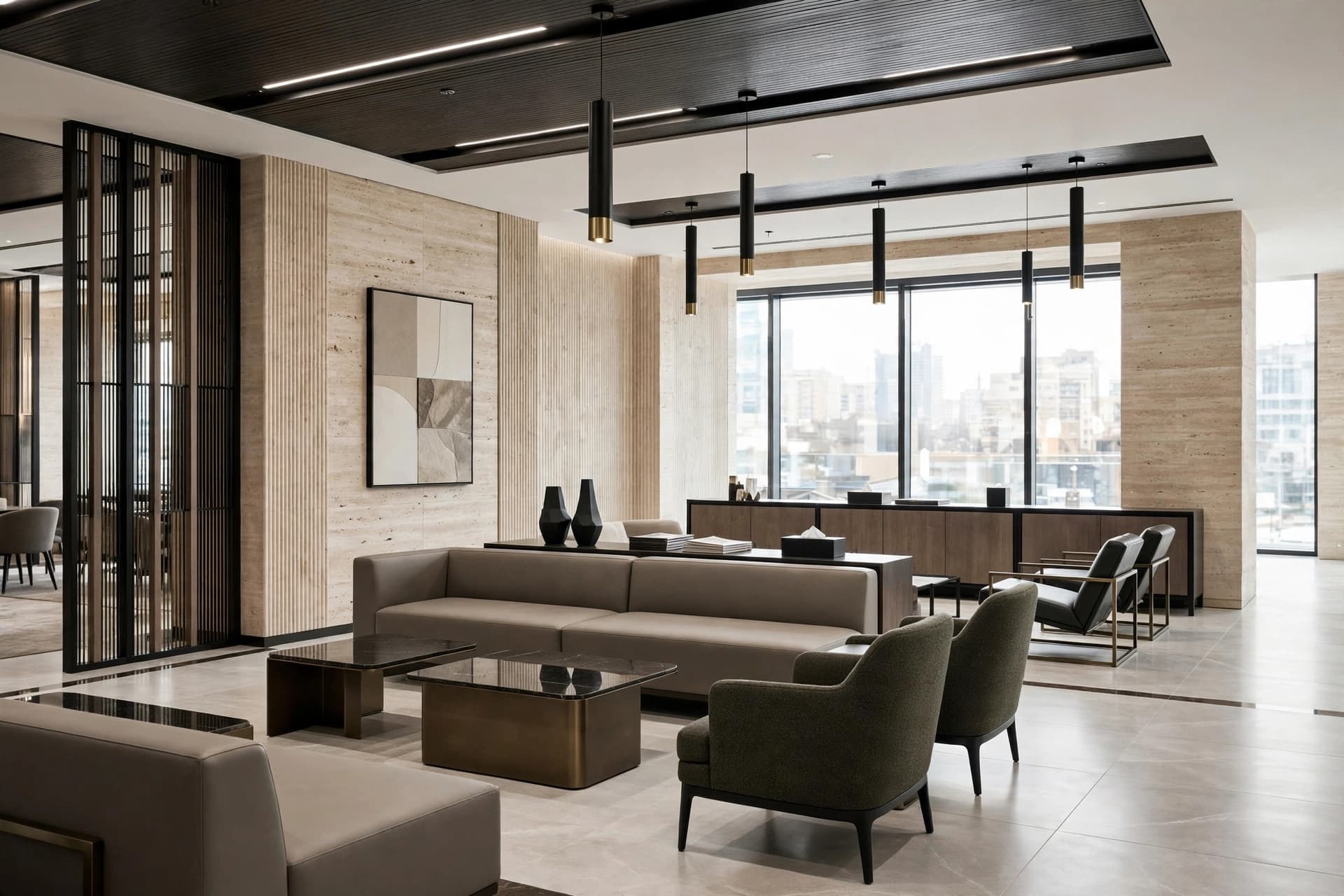
Core tool
Design a Space
Start with a photo of your shop, showroom or room. Describe the materials, displays and lighting you want to explore, then generate a redesign using the existing architecture as a starting point. Compare directions before committing to a refit.
Learn more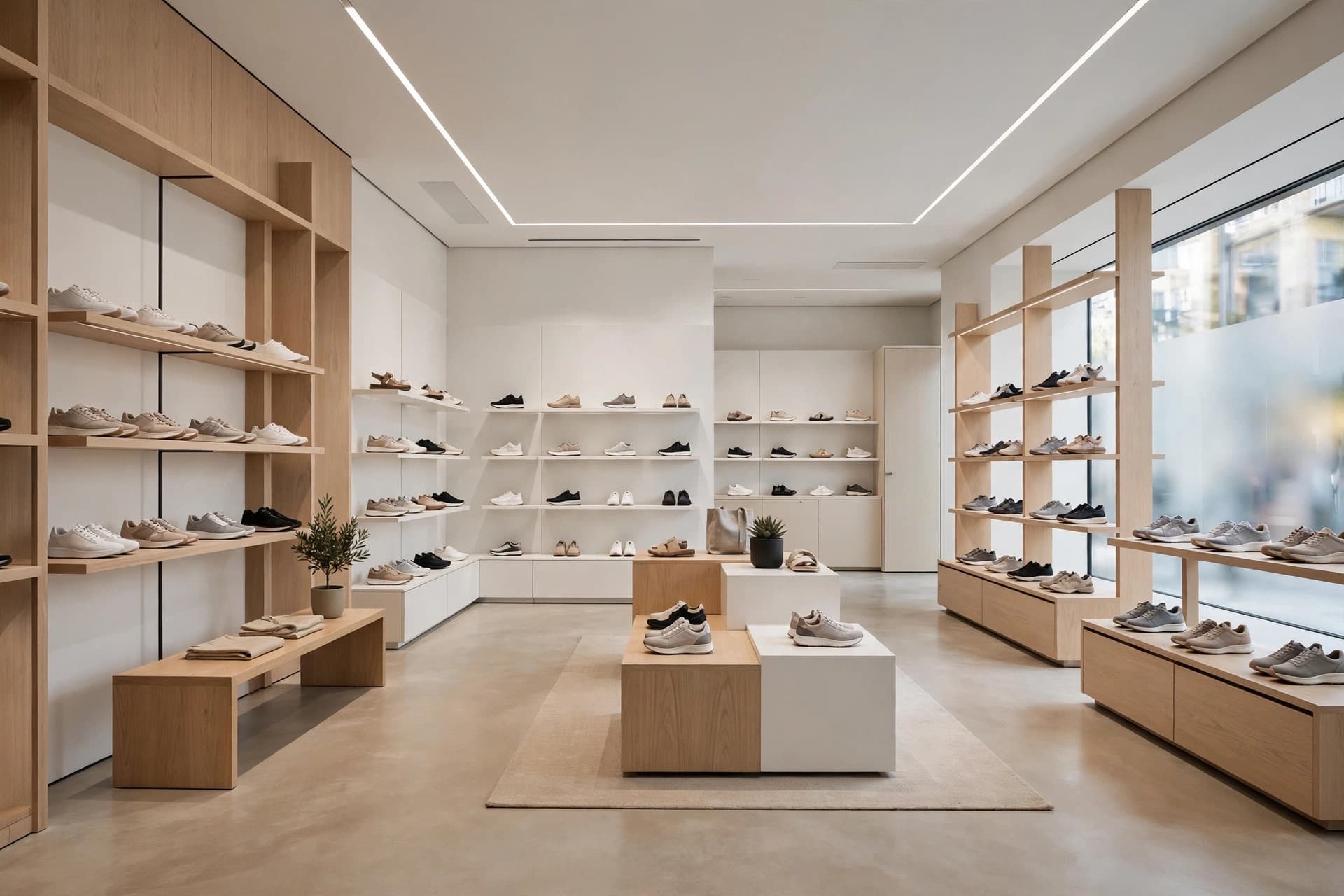 Concept · 30s
Minimalist sneaker boutique, 80 m². Pale oak, white walls, open wall shelving, a central bench.
Core tool
Idea Generator
Turn a retail brief into a first concept image: describe the store type, products, display fixtures, materials and mood. Explore shop rendering ideas before you have a floor plan, or use the same workflow for other interiors.
Learn more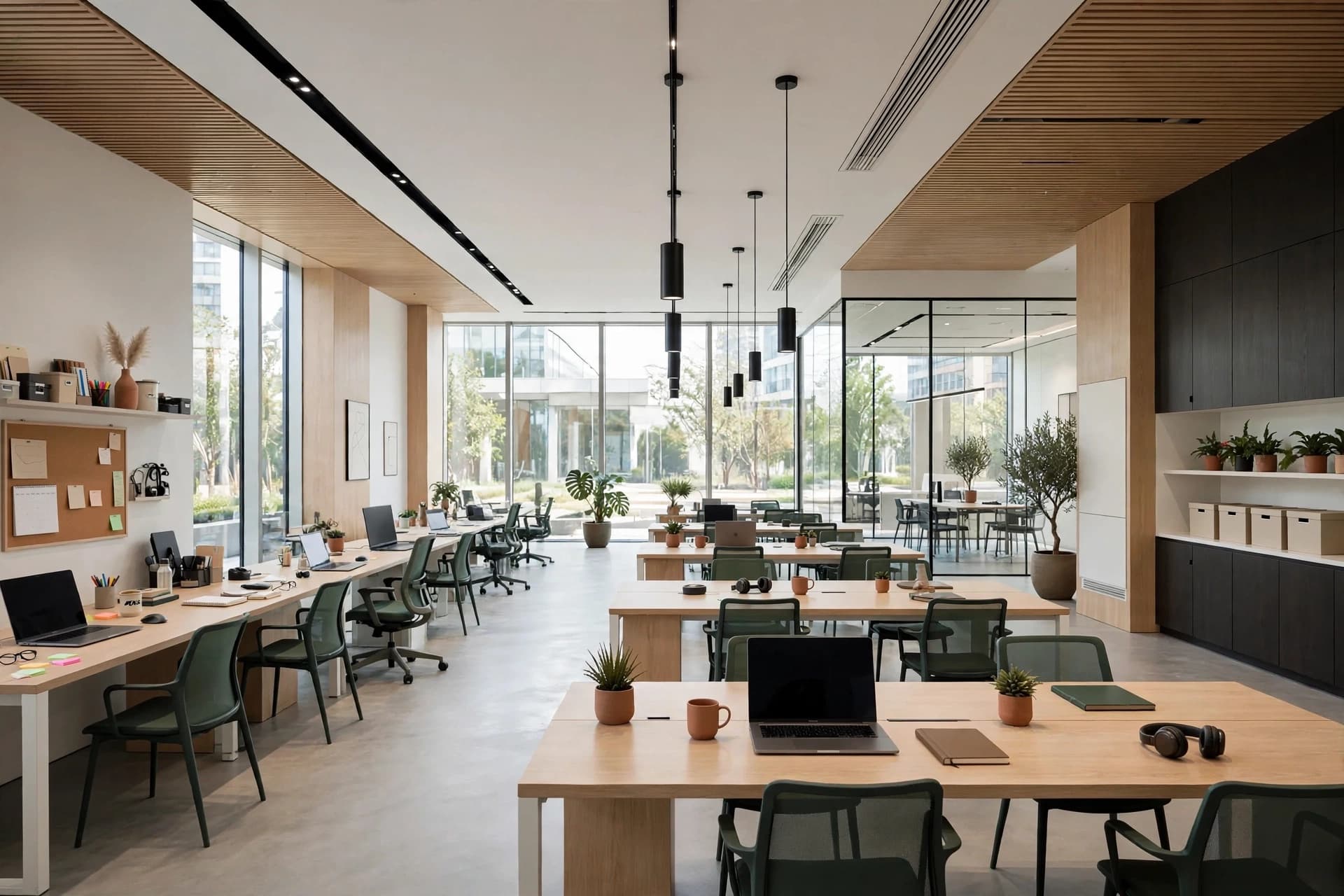 Brand applied
Walnut · Terracotta linen · Rattan
Mood
Warm, earthy, lived-in
Consistency
Brand kits
Retyping "warm oak, brushed brass, soft 2700K light" into every prompt is how a set of renders drifts apart. A brand kit holds the palette, the materials and the mood, and every tool reads from it.
Learn moreBrand direction
Proposal
Lunea Skincare
Flagship · 2026
Delivery
Client projects & PDF export
Generating the images is half the job. A client project groups everything for one client and exports it as a PDF proposal with the overview, the brand direction and the renders you chose.
Learn more