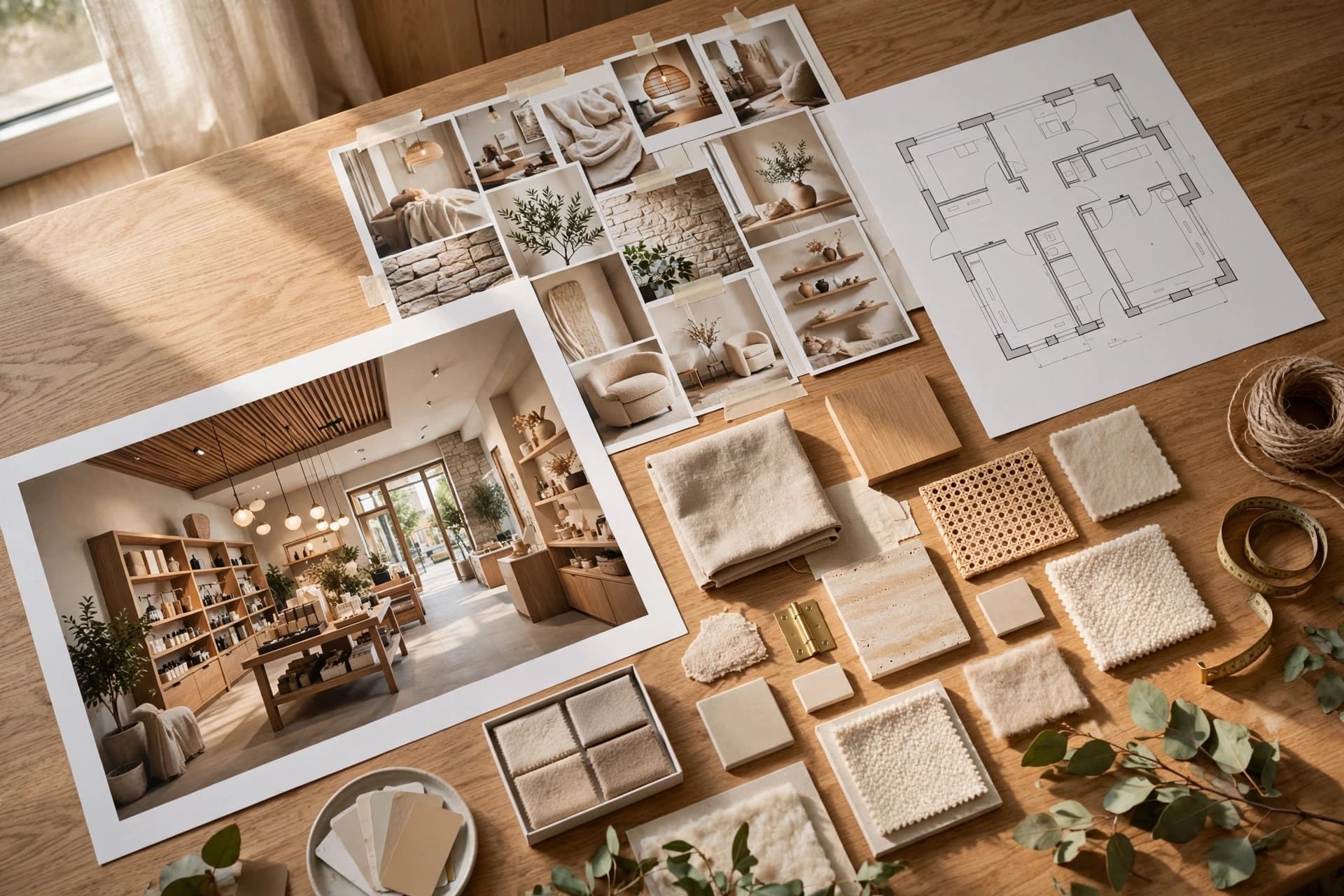
From a folder of renders to a proposal you can send
Generating the images is half the job. A client project groups everything for one client and exports it as a PDF proposal with the overview, the brand direction and the renders you chose.
Free — exports don't cost credits
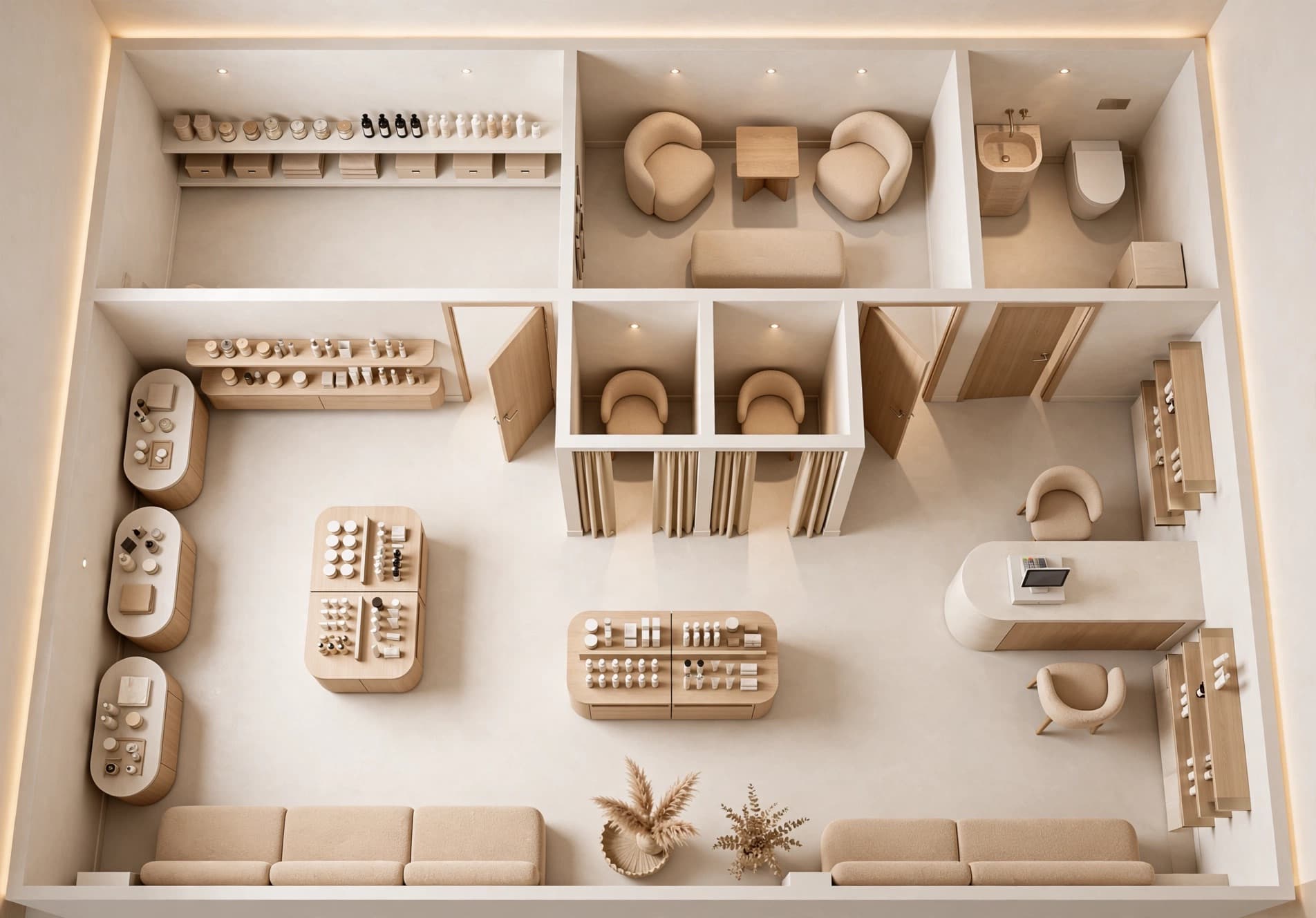
Brand direction
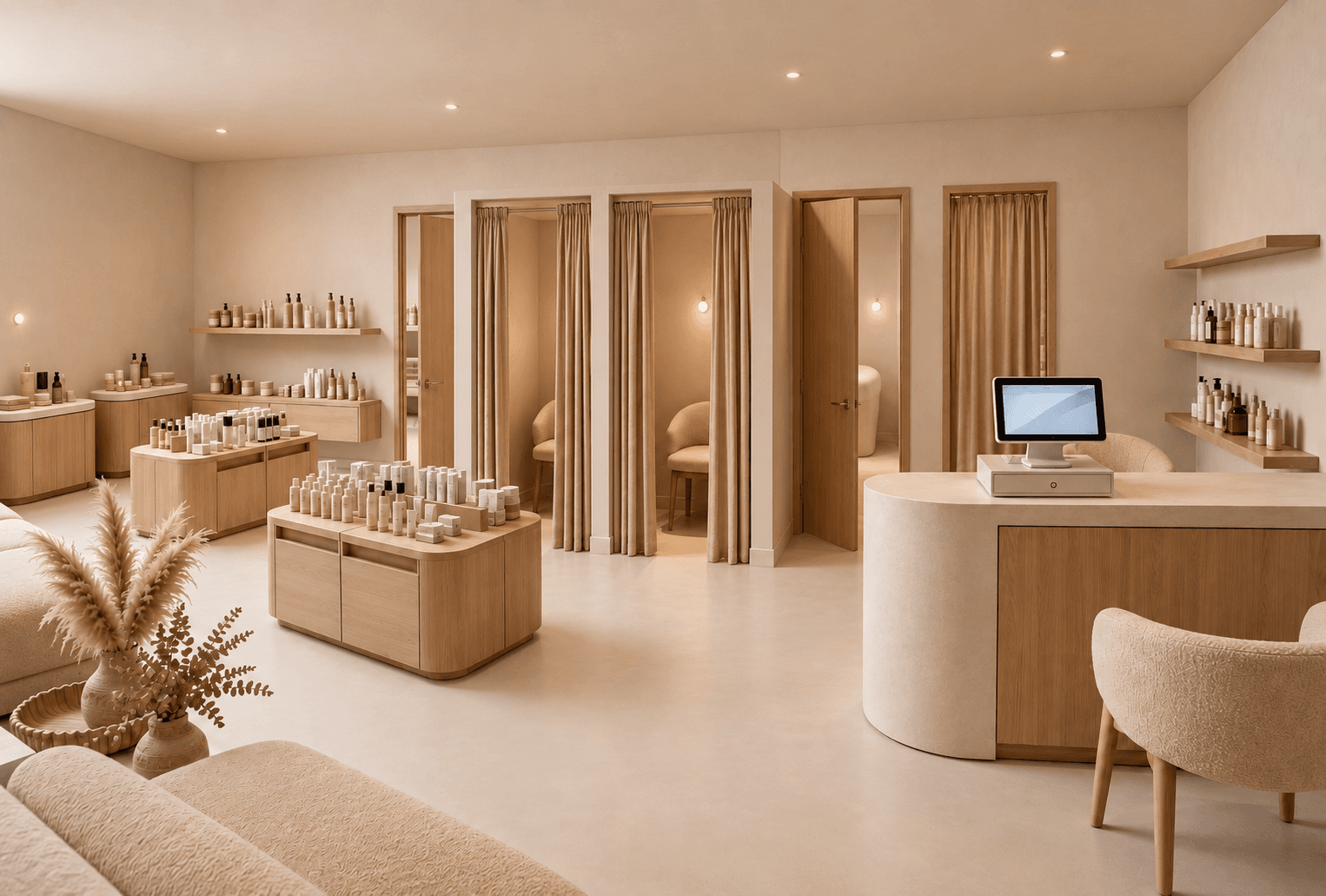
Proposal
Lunea Skincare
Flagship · 2026
How it works
- 01
Create the project
Name it after the client or the site, and attach the brand kit it belongs to.
- 02
File renders into it
Anything you generate can be filed into a project from the tool it came from or from the gallery.
- 03
Pick what the client sees
Select the renders that make the argument and leave the experiments out.
- 04
Export the PDF
Project overview, brand direction and selected renders, laid out and ready to send.
Why it helps
What changes in practice once Client projects & PDF export is part of the workflow.
No more screenshot folders
The work arrives as a document, not as twelve attachments named render-final-v3.png.
Everything in one place months later
When the client comes back in spring, the project still holds the brief, the brand and every render.
Presentable without a design pass
The export is already laid out, so you are not rebuilding a deck the night before the meeting.
When designers reach for it
- Sending a concept proposal after a first meeting
- Keeping a record of what was approved and when
- Handing a rollout package to a contractor
Questions about Client projects & PDF export
What designers ask most often before putting Client projects & PDF export on real client work.
See pricingThree on Starter, unlimited on Studio.
No. Every plan includes watermark-free output and commercial use.
Works well with
Brand kits
Save a client's palette, materials and mood once. Every render generated for that client follows the same guidelines, across every tool.
Learn moreAngle Views
Place a camera anywhere on your top-down render and generate the eye-level view from that exact spot. Walk a client through the store before it exists.
Learn moreFloor Plan → 3D
Turn a 2D floor plan into a 3D retail render with AI. Choose cutaway, top-down or eye-level views to explore store layouts. No 3D modeling needed.
Learn more