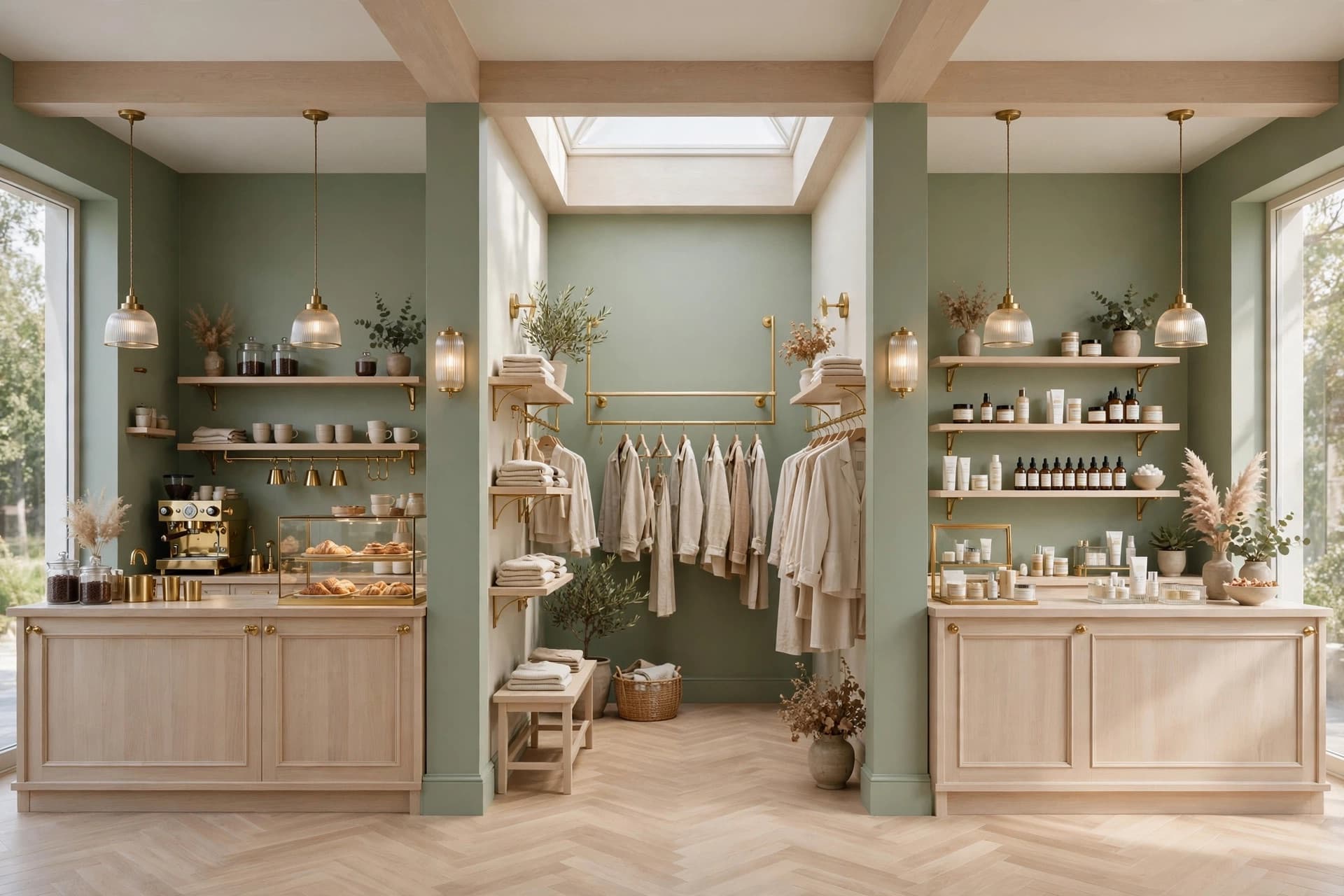
Save a brand once, apply it everywhere
Retyping "warm oak, brushed brass, soft 2700K light" into every prompt is how a set of renders drifts apart. A brand kit holds the palette, the materials and the mood, and every tool reads from it.
Free — brand kits don't cost credits
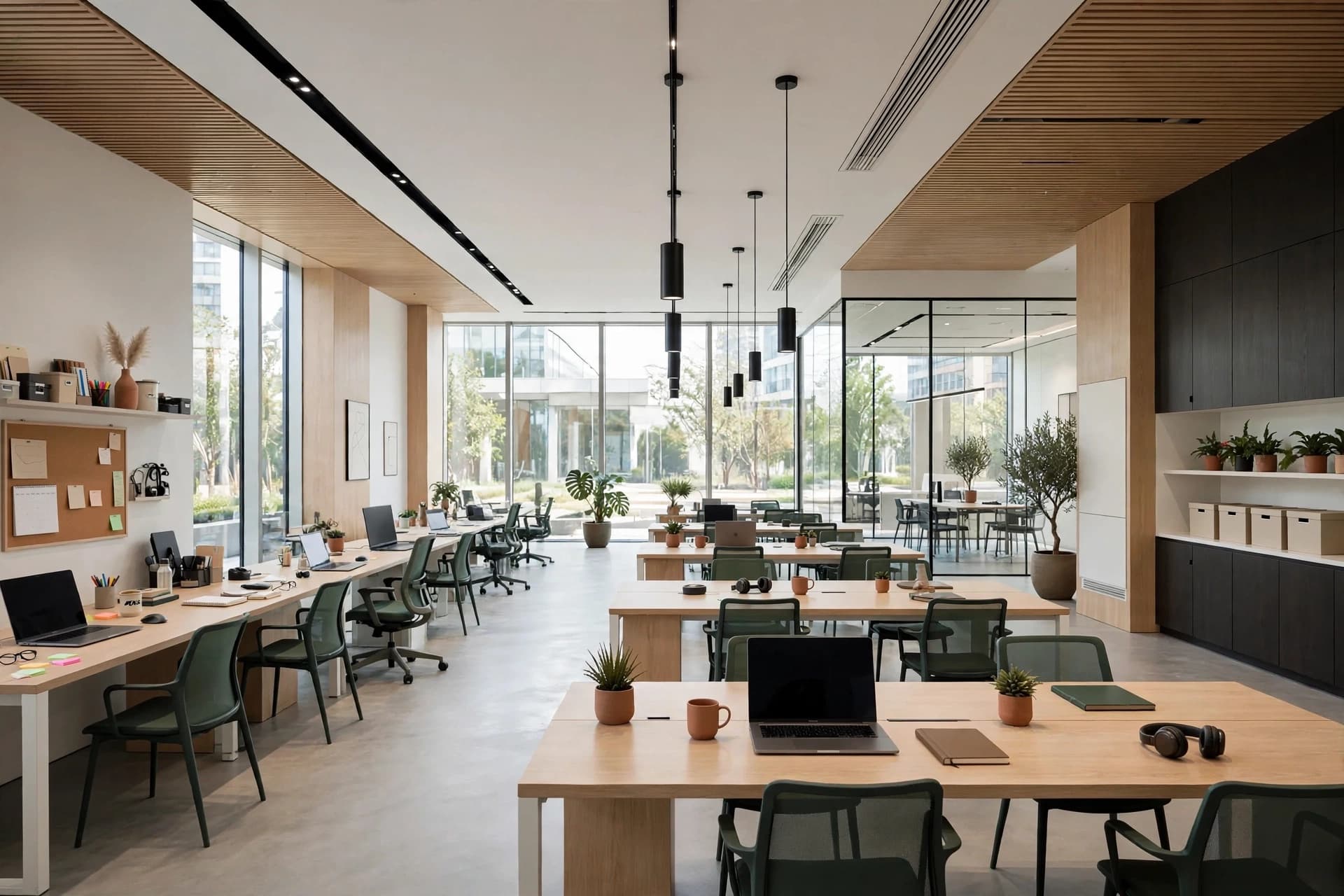 Brand applied
Walnut · Terracotta linen · Rattan
Mood
Warm, earthy, lived-in
How it works
- 01
Create the brand
Name it after the client, and give it a palette, a set of materials and a few mood words.
- 02
Let it fill itself in
Paste a brand's site or a few reference images and guidelines are drafted for you to edit.
- 03
Attach it to a generation
Pick the brand in any tool and its direction is folded into the prompt automatically.
- 04
Reuse it forever
Every future render for that client starts from the same guidelines, months later and across tools.
Why it helps
What changes in practice once Brand kits is part of the workflow.
A coherent set, not five unrelated images
The deck reads as one project because every image came from the same guidelines.
Onboarding a new client takes minutes
Set the brand up once at the start of the engagement and never think about it again.
Carries into the proposal
The brand direction becomes a page in the exported PDF, so the client sees the logic behind the images.
When designers reach for it
- Agencies running several retail clients at once
- Franchise rollouts where every location must match
- Keeping a rebrand consistent across store formats
Questions about Brand kits
What designers ask most often before putting Brand kits on real client work.
See pricingOne on Starter, unlimited on Studio.
No. Brand kits, room detection, downloads and PDF exports are free — credits are only spent on generated images.
Works well with
Client projects & PDF export
File renders into a client project and export a polished PDF proposal — project overview, brand direction and selected renders — in one click.
Learn moreDesign a Space
Create a store rendering from a photo with AI. Explore shop refits, storefront concepts and room redesigns with new materials, displays and lighting.
Learn moreFloor Plan → 3D
Turn a 2D floor plan into a 3D retail render with AI. Choose cutaway, top-down or eye-level views to explore store layouts. No 3D modeling needed.
Learn more