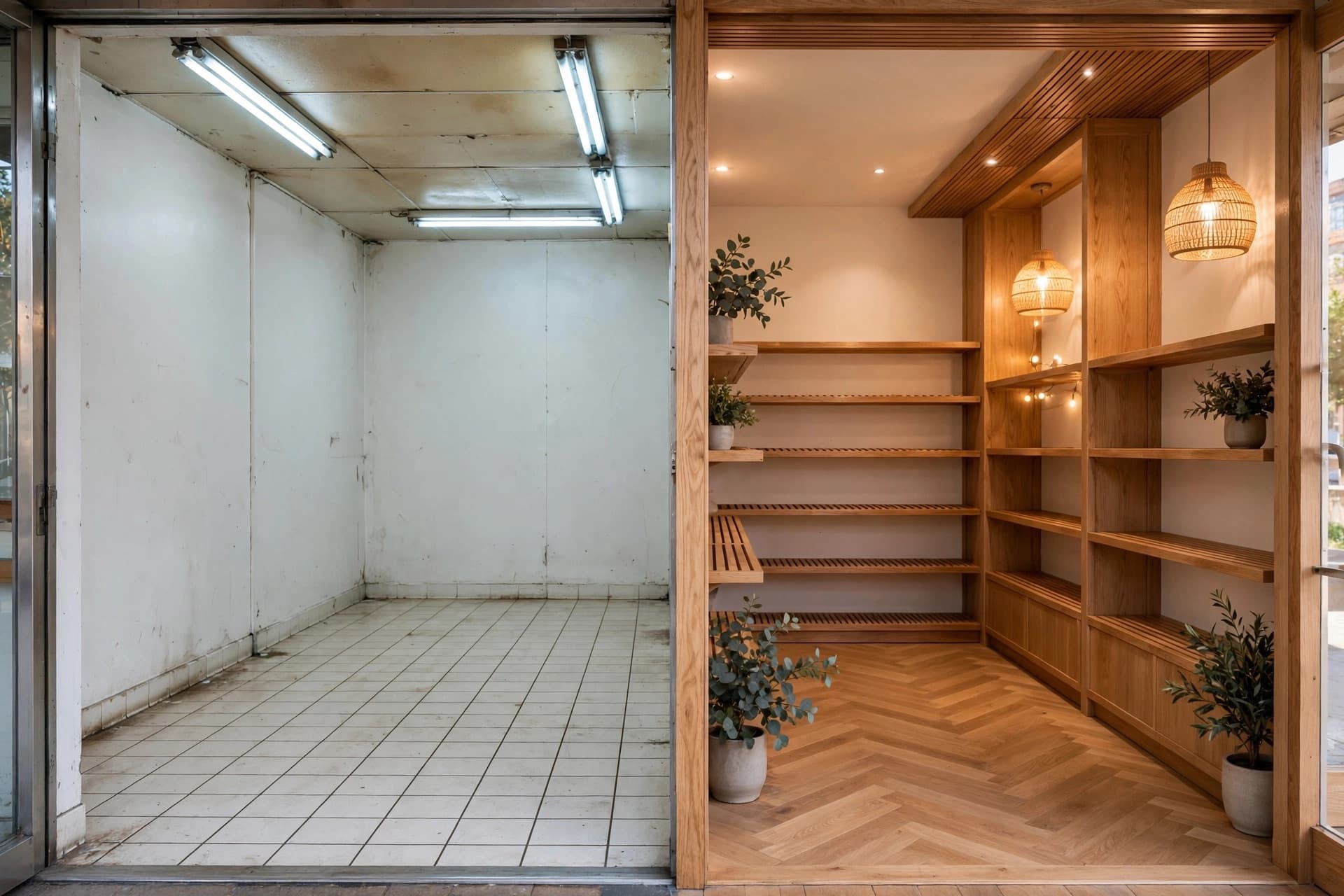
Store rendering and room redesign from a photo
Start with a photo of your shop, showroom or room. Describe the materials, displays and lighting you want to explore, then generate a redesign using the existing architecture as a starting point. Compare directions before committing to a refit.
1 credit per variant
How it works
- 01
Shoot the room
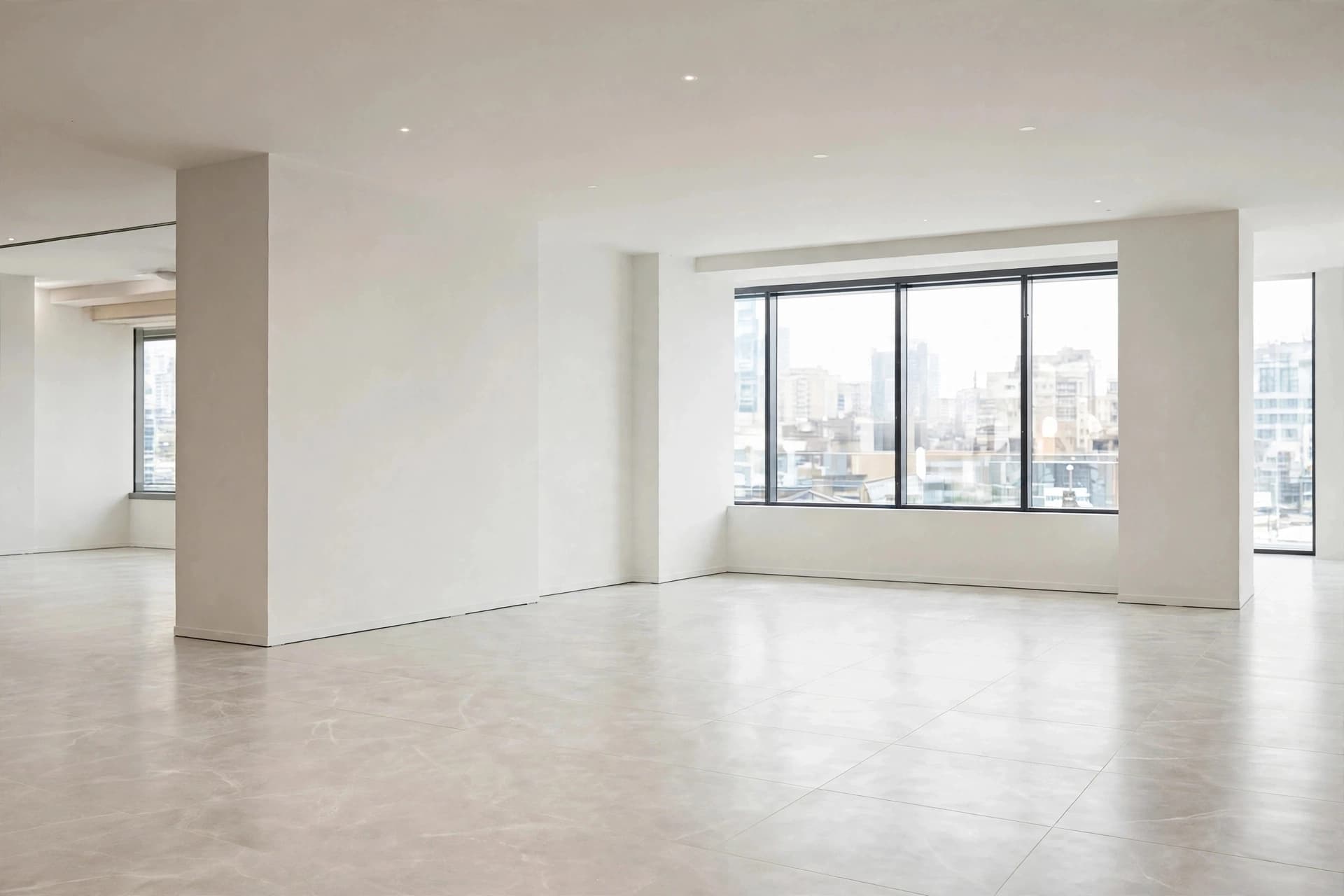
One photo, wide enough to read the walls and the openings. A phone is fine.
- 02
Describe the direction
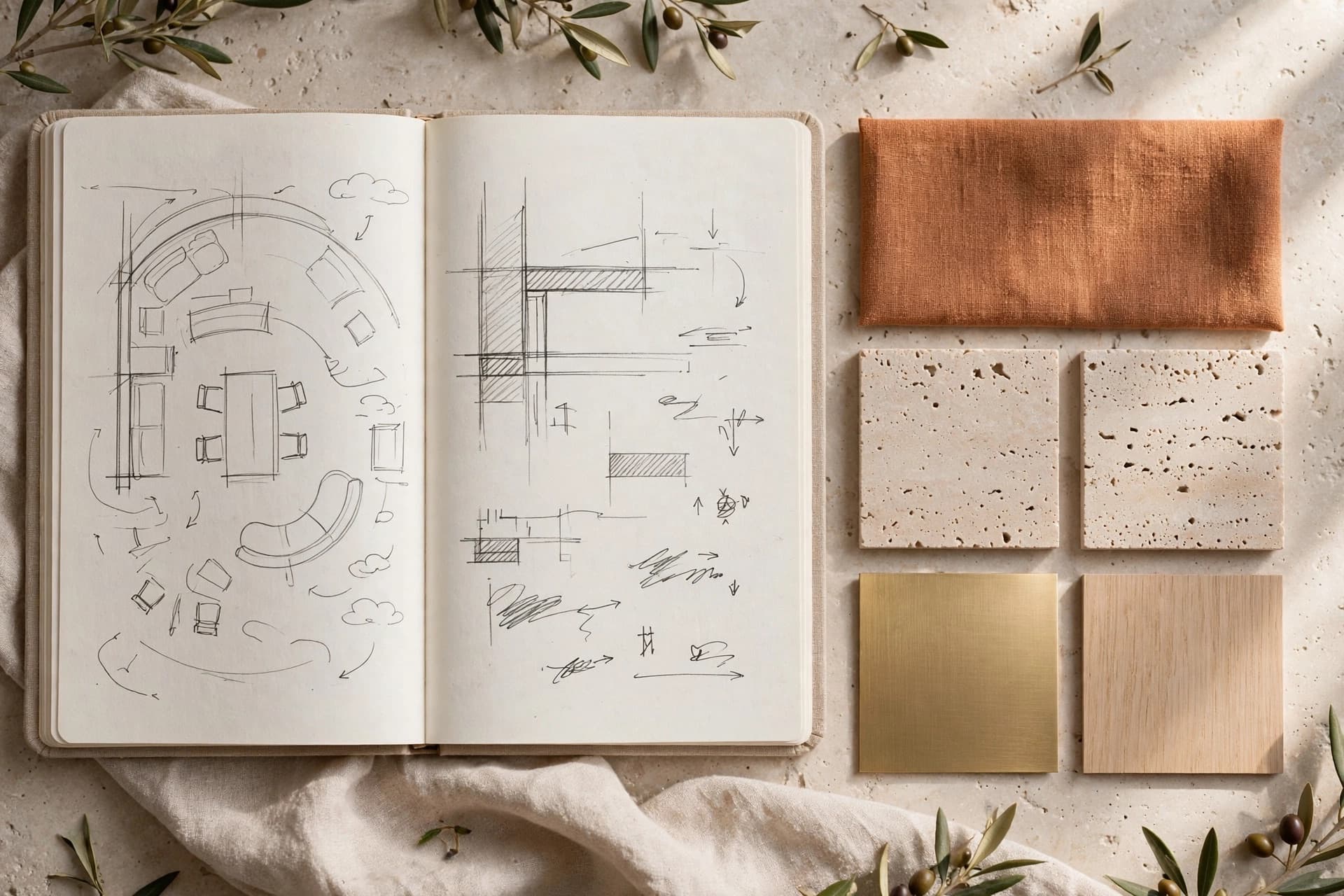
Materials, mood, palette, era. "Warm minimal, oak and lime plaster, soft evening light."
- 03
Generate variants
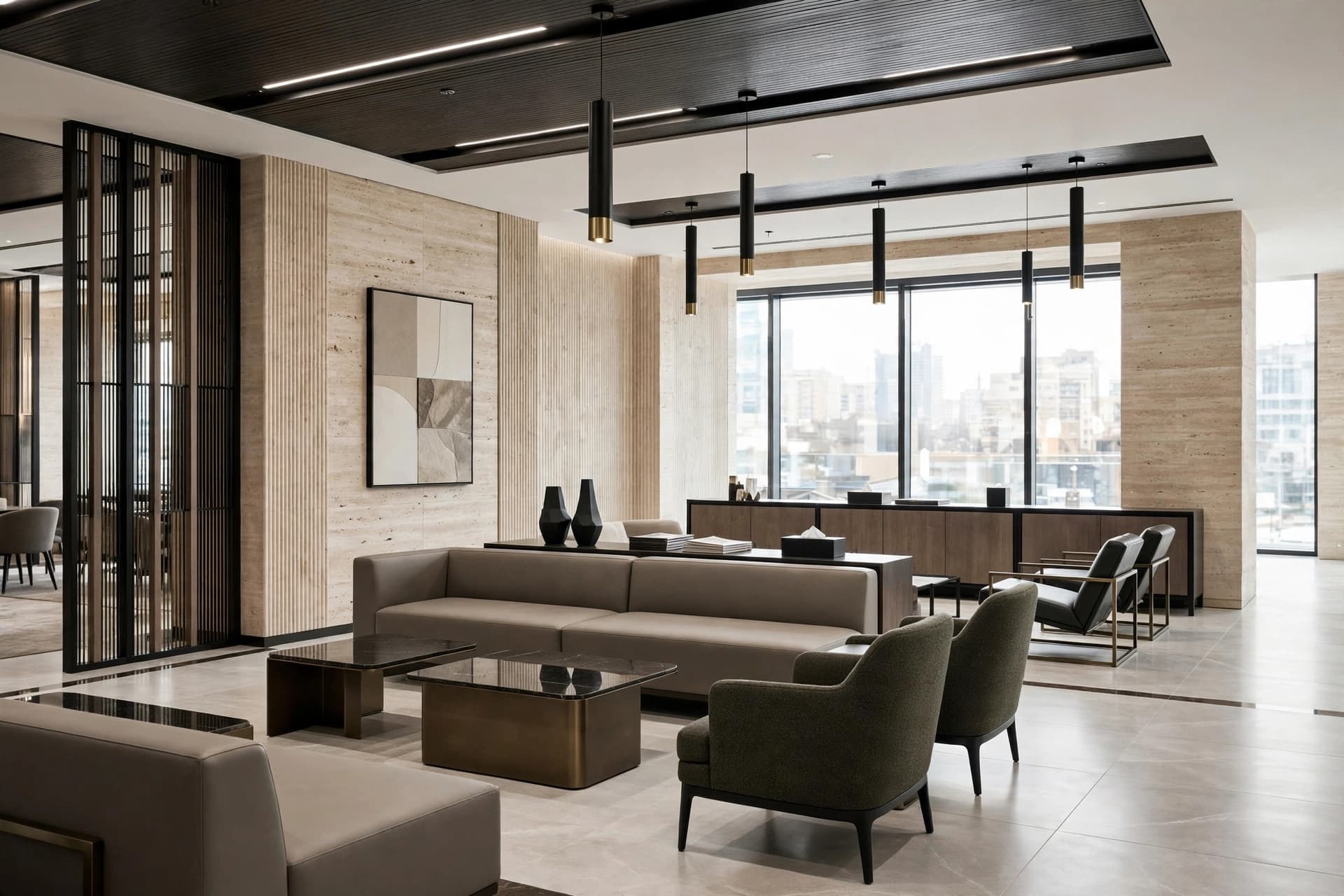
One to four at a time, so you can compare directions instead of committing to the first.
- 04
Refine
Send the best one to Fix a Render for the last details, or to Angle Views for a second shot of the same room.
Why it helps
What changes in practice once Design a Space is part of the workflow.
Keeps the bones of the real space
Window positions, ceiling height and the general geometry survive the redesign, which is what makes the result usable as a proposal rather than a mood board.
Before and after in one frame
The original photo and the redesign compare side by side — the most persuasive slide in any renovation pitch.
Works before you have drawings
No plan, no measurements, no model. A site visit and a phone are enough to come back with something to show.
When designers reach for it
- Winning a renovation brief off a first site visit
- Showing a landlord the upside of a refit
- Testing three brand directions on the same unit
- Refreshing a tired storefront without redrawing it
Questions about Design a Space
What designers ask most often before putting Design a Space on real client work.
See pricingRetail stores, showrooms, restaurants, cafés, offices, hotels, salons and residential rooms. Pick the space type when you generate and the result adapts to it.
It keeps the architecture of the photo as the basis for the redesign. If you want an opening moved or removed, say so explicitly in the brief.
Yes — save the brand once as a brand kit and its palette, materials and mood are applied to every generation for that client.
Works well with
Fix a Render
Mark the part of a render that is wrong, describe the change in a sentence, and regenerate only that area. Lighting, a fixture, a material — the rest stays put.
Learn moreBrand kits
Save a client's palette, materials and mood once. Every render generated for that client follows the same guidelines, across every tool.
Learn moreIdea Generator
Create a shop or interior concept render from a written brief. Explore retail displays, materials and lighting with AI, before you have a floor plan.
Learn more