Boutique interior design you can see before you build
A boutique sells an atmosphere as much as a product. Render the space from a plan, a photo of the unit or a few lines of brief, and test the mood, the display furniture and the light in seconds.
Try with 2 free generations
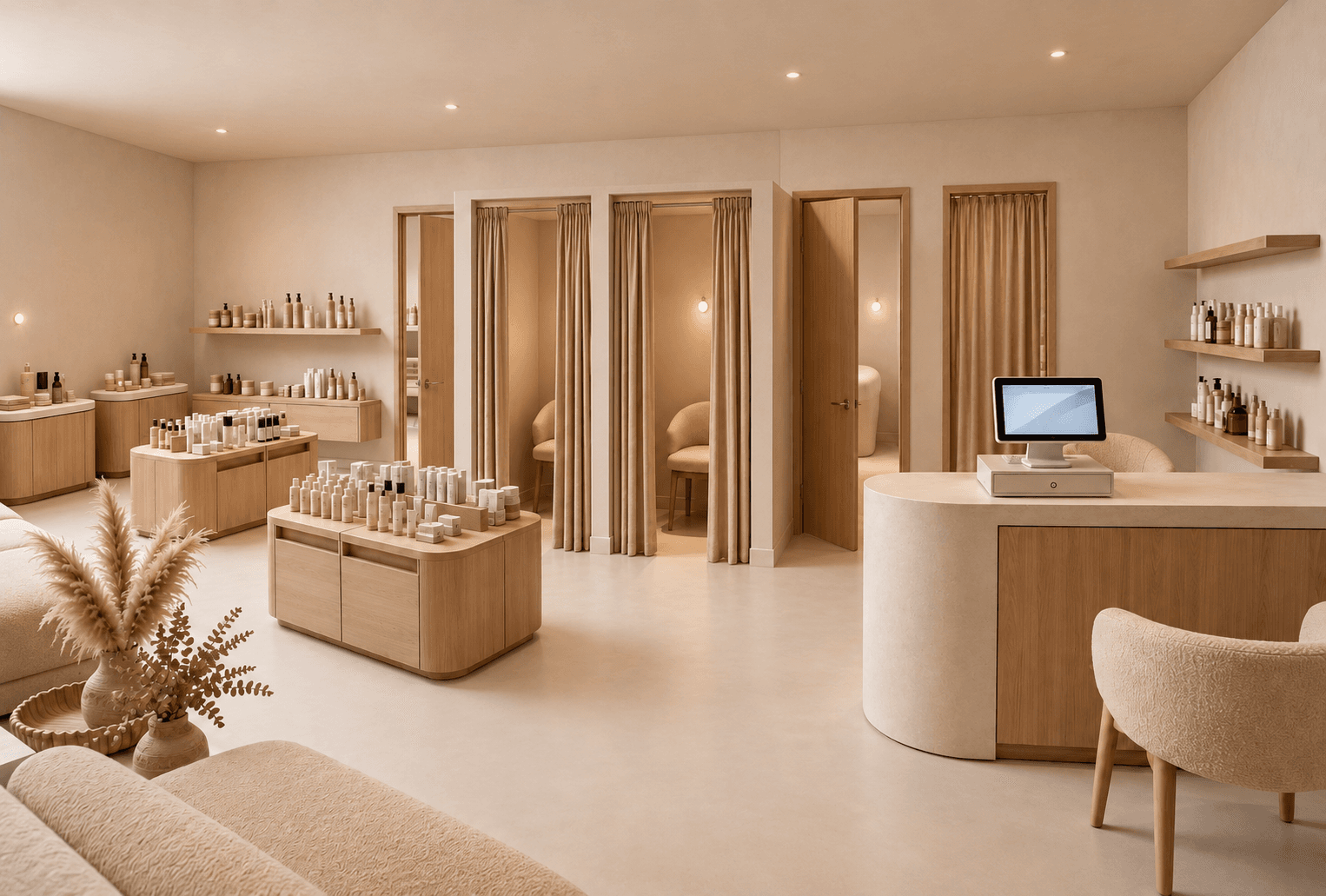 Example render
What sets a boutique apart
Boutiques work with less stock and more space around each piece. The interior carries the brand: every material, every object and the light all say what kind of shop this is before the customer touches anything. Because the unit is often small, a single wrong decision — a bulky counter, a cold light, a cluttered wall — shows immediately.
- Fewer pieces on display, each one given room and light.
- One or two signature fixtures that people remember.
- A seat, a mirror and a fitting room that feel like part of the experience.
- A counter that is small enough not to dominate the room.
Making a small space feel generous
Light colours on the walls, a continuous floor, wall-mounted displays and furniture raised on legs all make a narrow unit feel bigger. Keep the centre of the room light — one table or plinth rather than several — so the view from the door reaches the back wall. A render from the entrance is the fastest way to check whether the space still breathes.
Materials and lighting
Natural materials age well in a boutique: plaster, stone, solid timber, brushed metal, textured fabric. Light the product, not just the room — small spots on the display table and the hanging rail, warm ambient light everywhere else, and a lamp or two to make the space feel lived in.
A brief to start from
Adapt this to the boutique you are designing:
Independent boutique, 45 m². Warm sand lime plaster, travertine display table in the centre, slim brass rail on one wall, velvet armchair by the fitting room, floating shelves with a few objects, soft warm lighting.
How to render a boutique
- 01
Start from what you have
A floor plan of the boutique, a photo of the empty unit, or nothing but a written brief.
- 02
Describe the concept
The mood in a sentence, two or three materials, the key display pieces and the light.
- 03
Generate and compare
Up to four variants at a time, so you can compare directions instead of committing to the first.
- 04
Refine and present
Fix one detail without regenerating, add an eye-level view from the entrance, export a PDF for the client.
Boutiques designers render with it
- Independent fashion and accessories boutiques
- Concept stores mixing products and a coffee counter
- Luxury boutiques inside a department store or mall
- Pop-up boutiques for a season
- Refits of an existing boutique from a single photo
Questions about boutique design
Short answers to what people ask before their first render.
Try it freeShow less product, use fewer and better materials, light each display, and keep the counter discreet. Generate two versions — one with more stock, one with less — and compare them.
Yes. Design a Space keeps the architecture of your photo and changes the finishes, fixtures and lighting.
No. Idea Generator creates a boutique concept from a written brief, and Design a Space works from a photo.
Tools for the job
Design a Space
Create a store rendering from a photo with AI. Explore shop refits, storefront concepts and room redesigns with new materials, displays and lighting.
Learn moreIdea Generator
Create a shop or interior concept render from a written brief. Explore retail displays, materials and lighting with AI, before you have a floor plan.
Learn moreFix a Render
Mark the part of a render that is wrong, describe the change in a sentence, and regenerate only that area. Lighting, a fixture, a material — the rest stays put.
Learn moreFurther reading
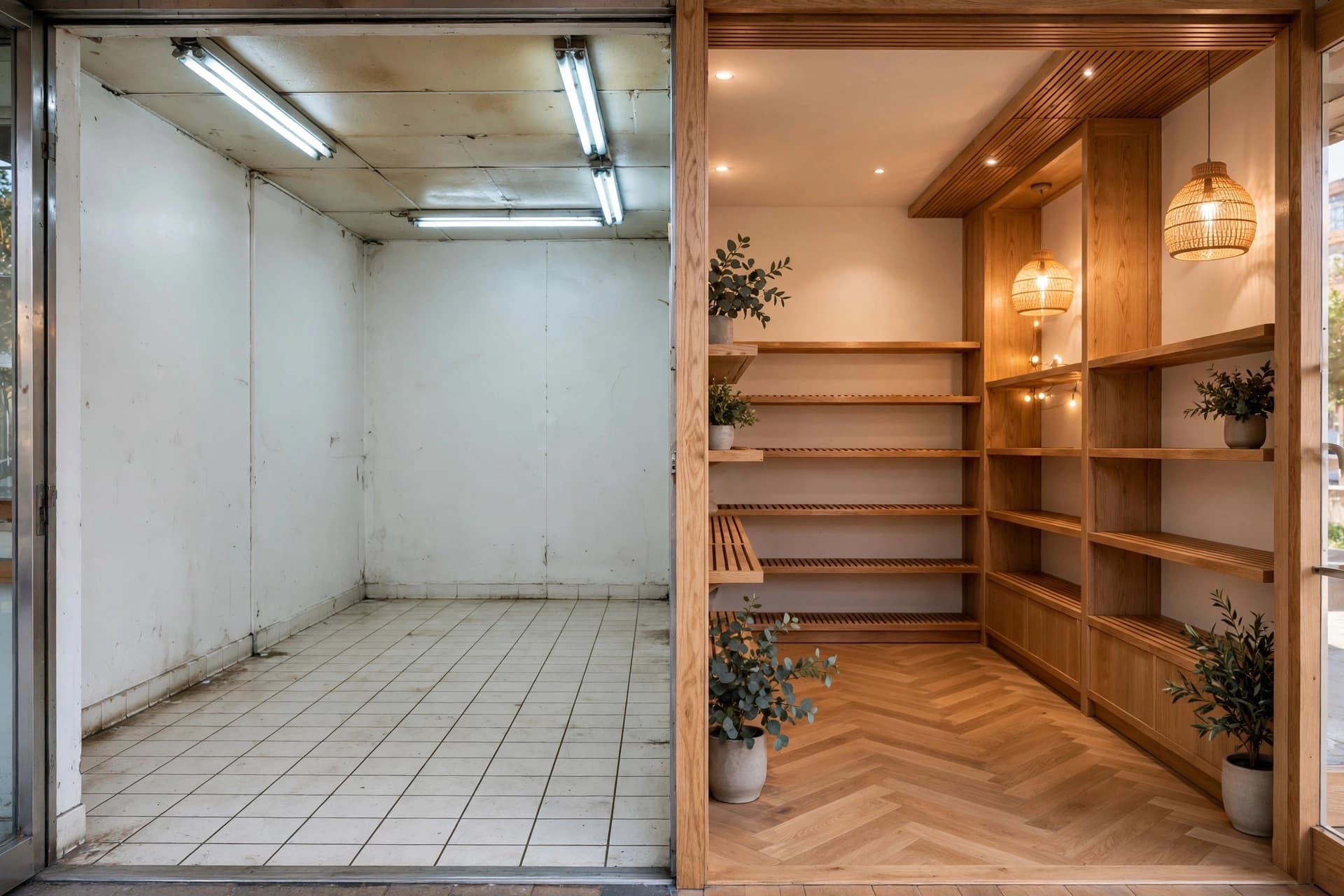 GuidesHow to redesign a store from a single photo
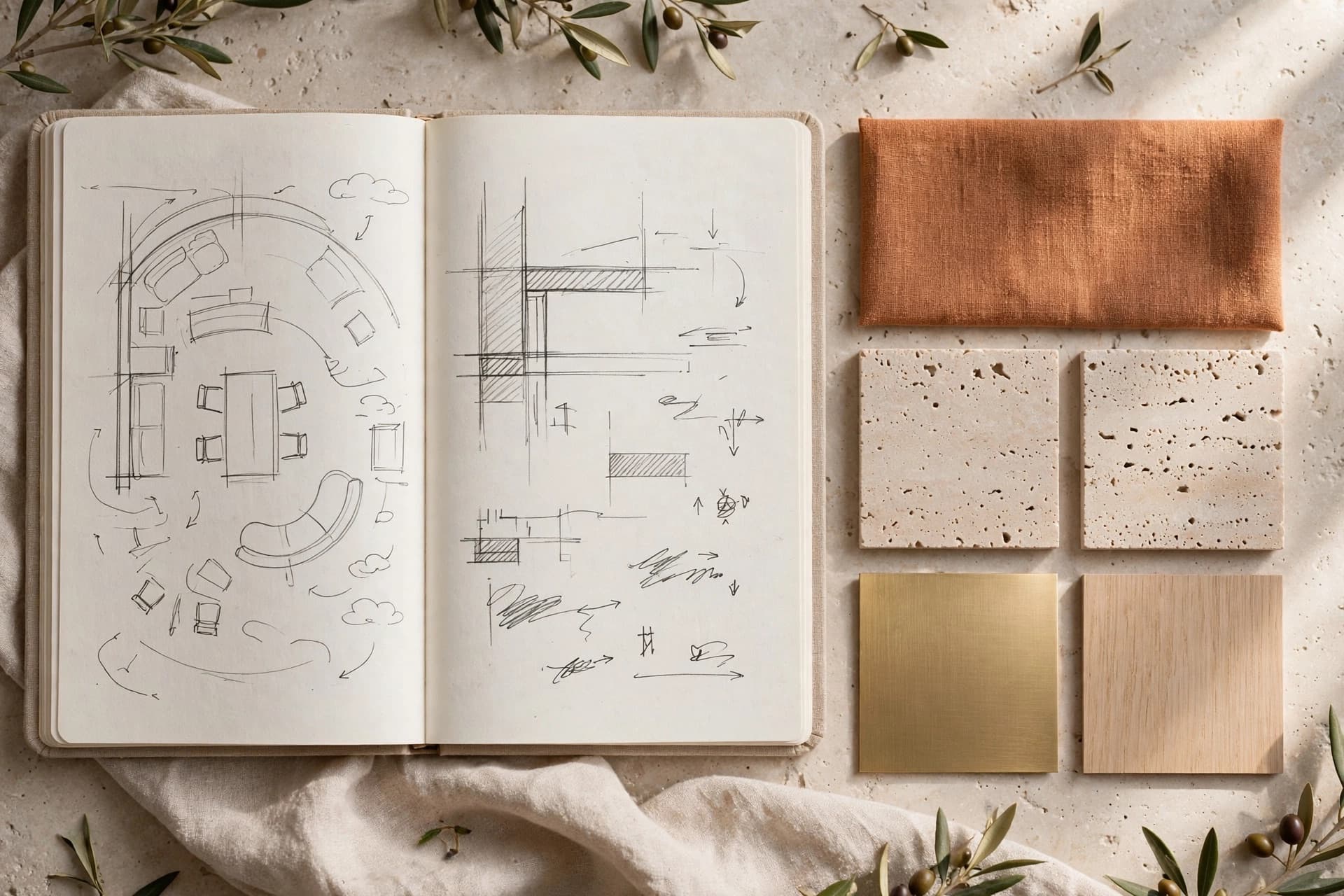 GuidesAI prompts for interior design that change the render